Drop in JPG, PNG, or WEBP and preview it instantly.
Pre-post image polish
Make AI images feel ready to post.
Upload a generated image, choose a mode, and download a cleaner, more natural result.
5 free credits
Google sign-in
Refunds on failed jobs
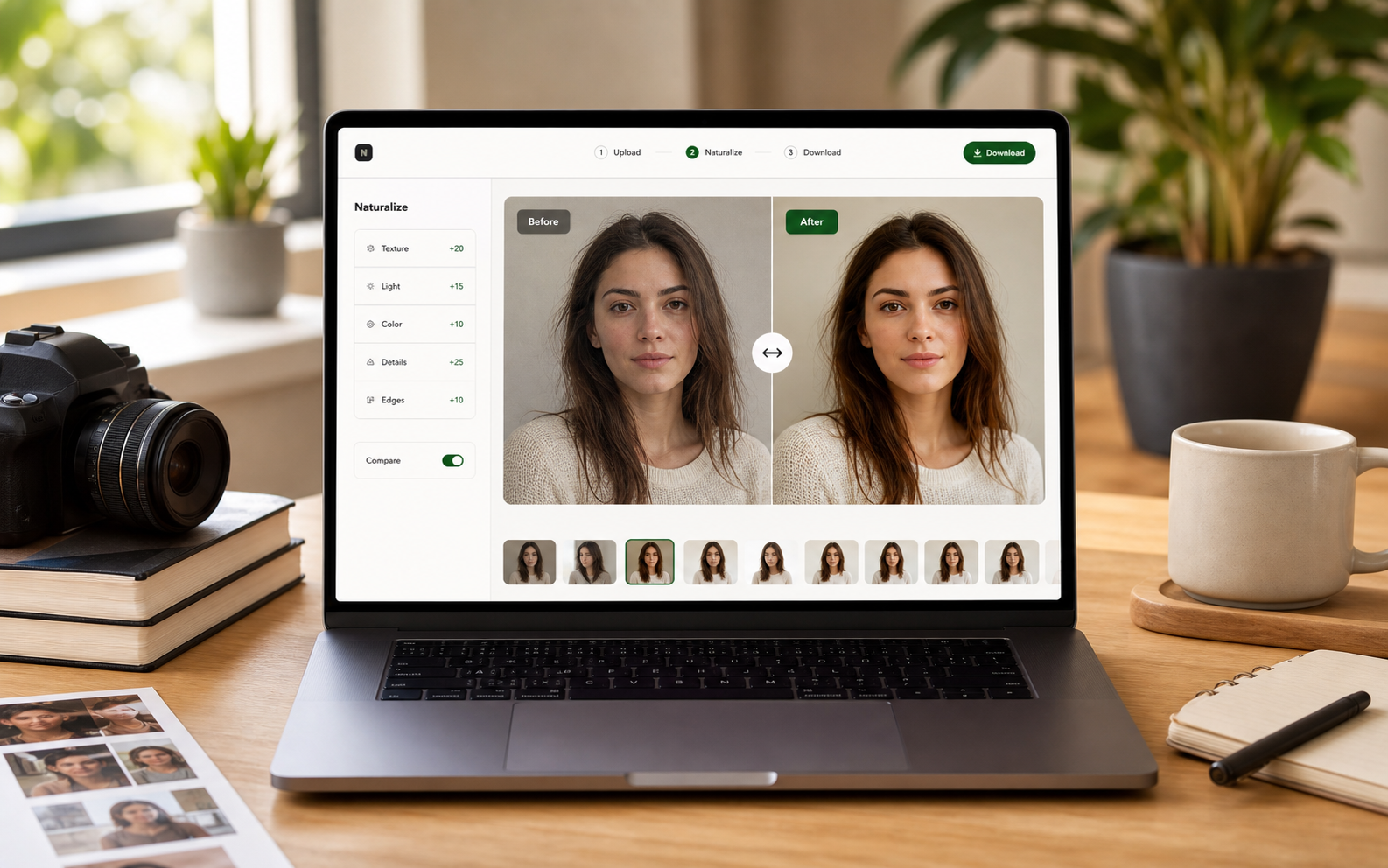
After
Natural texture, light, and edges
Drop in an image, choose the finish you want, and compare the result with the slider.
Private processing. Failed jobs do not spend credits.
Account: Guest
Sign in with Google
Sample result
Before / After
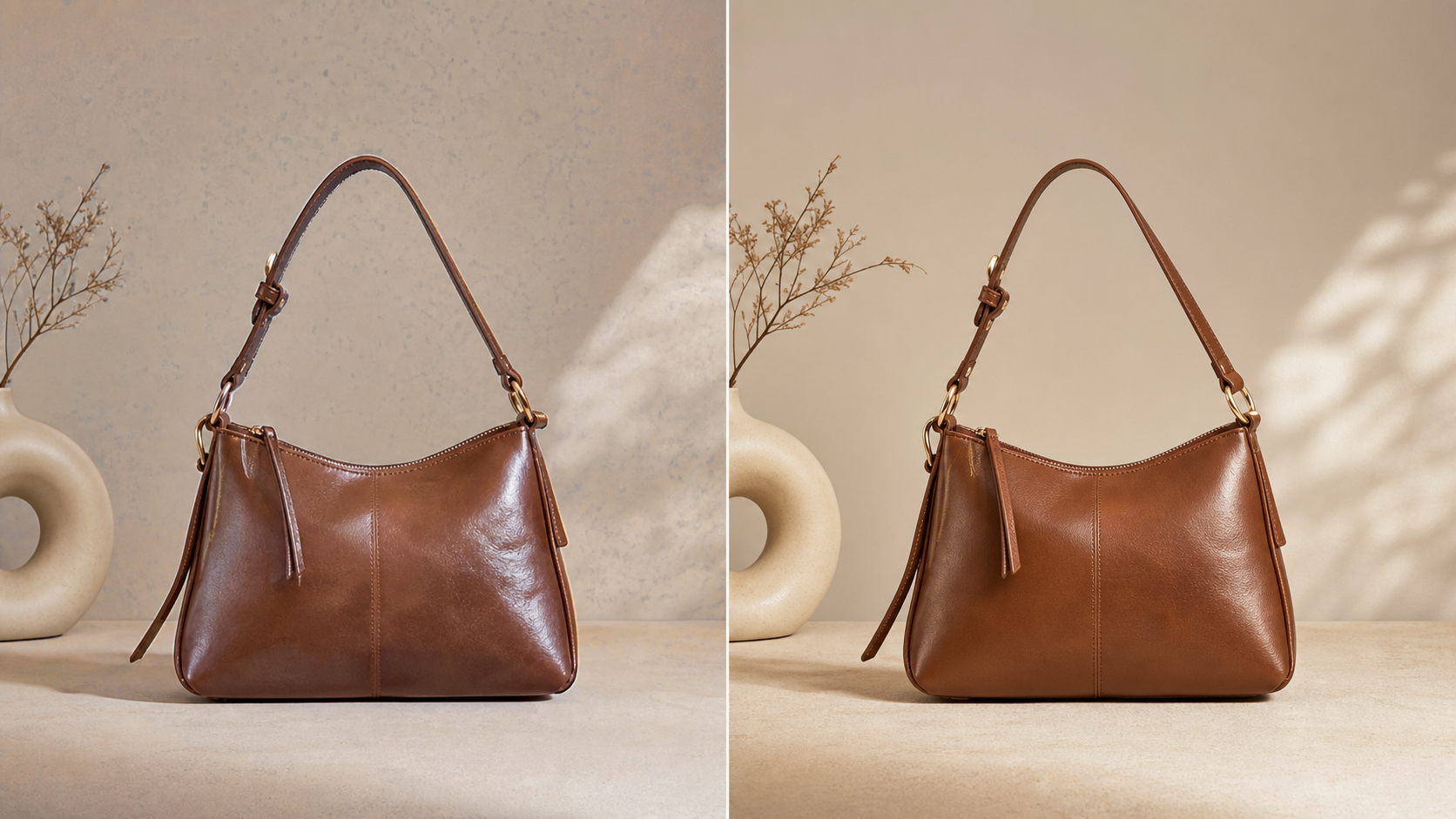
No charge on failed jobs
History stays in Account
Pick Clean or Realistic and let the engine rebuild details.
Compare with the slider, then download the finished image.
Before / After
Keep the composition. Fix the synthetic details.
NoAIVibe focuses on skin, fabric, edges, background, and lighting so generated images feel closer to finished campaign assets.
Explore the naturalizer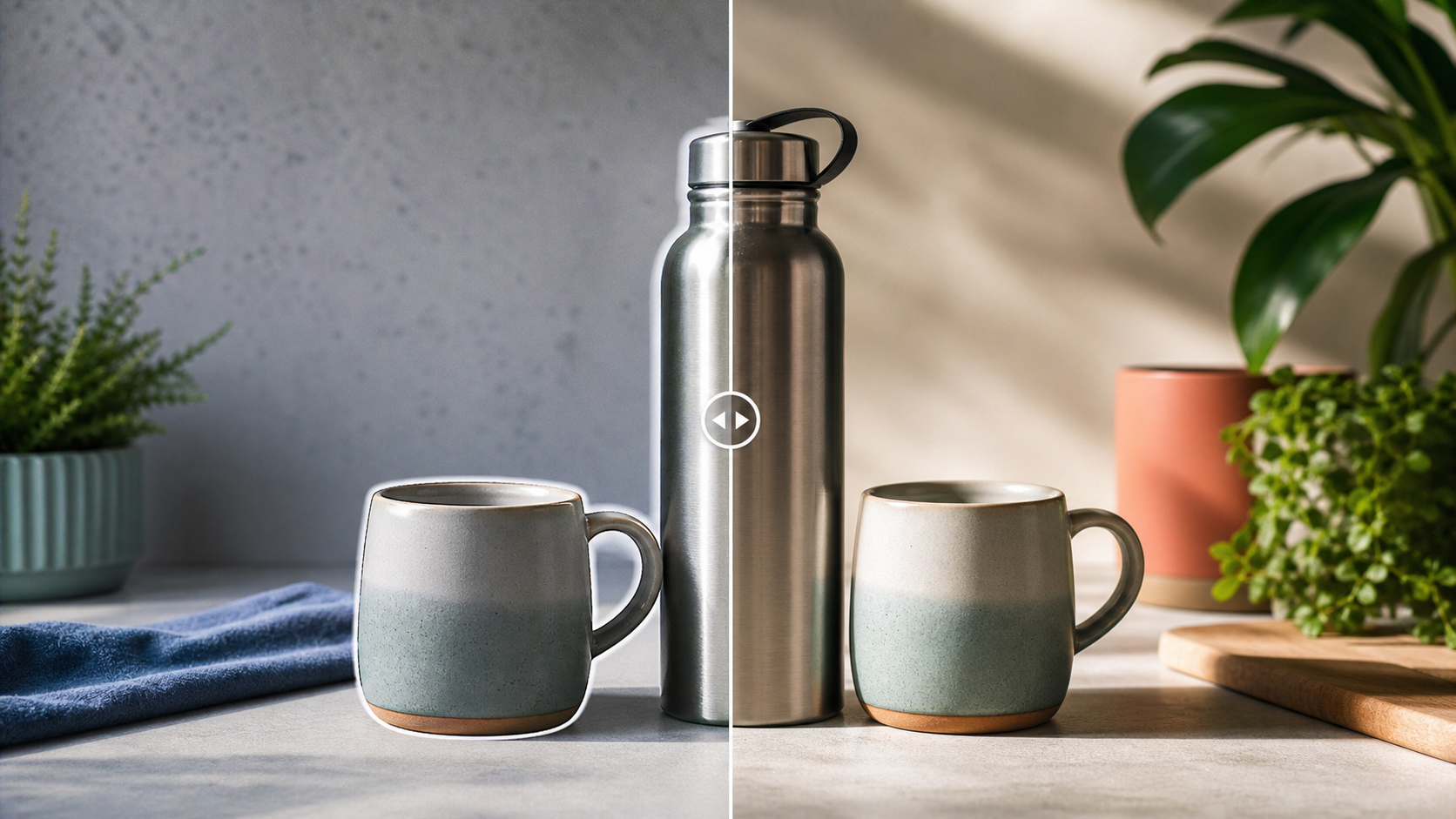
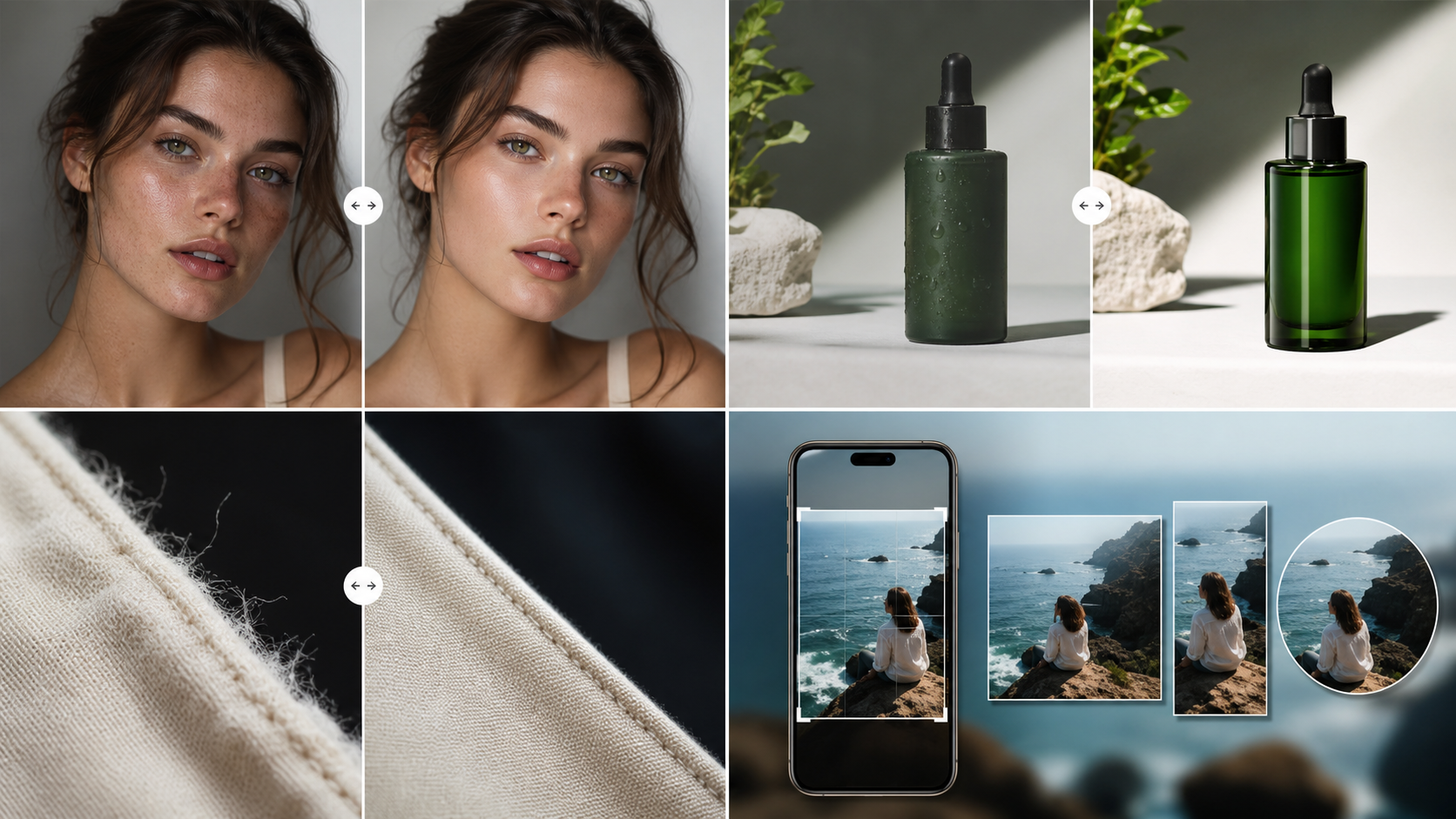
Creators
Turn generated images into cleaner covers, posts, and short-video assets.
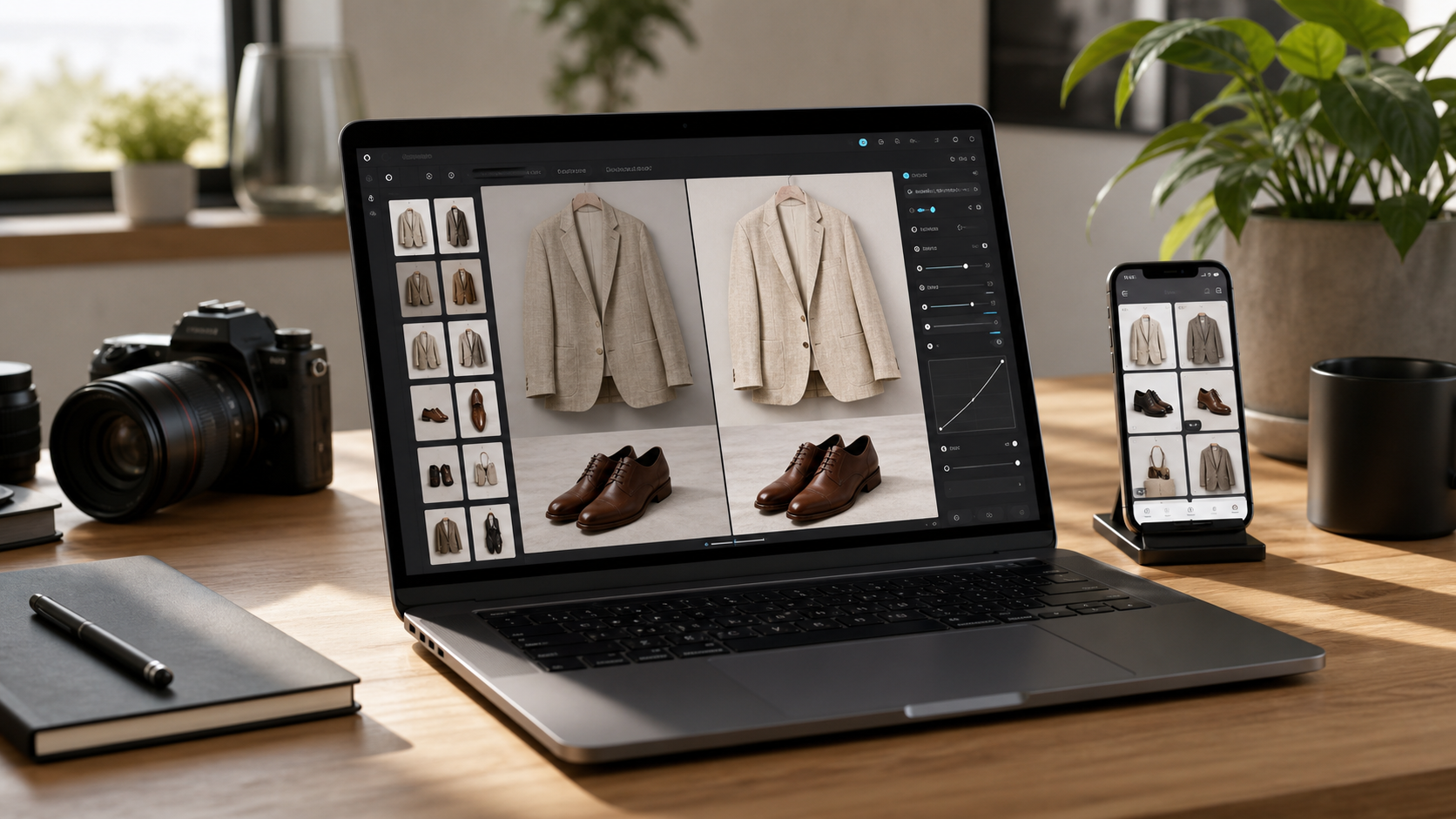
Commerce
Polish texture, light, and background before listings, ads, and landing pages.
API and MCP ready
Let scripts or AI agents upload, process, poll, and download through the same credits account.
Does NoAIVibe guarantee results against AI detectors?
No. NoAIVibe is designed to improve image quality, realism, and visual consistency. We do not guarantee results against any third-party AI detection system.
What does AI vibe mean?
AI vibe refers to visible details that make an image feel synthetic or AI-generated, such as plastic skin, strange textures, rough edges, fake lighting, and inconsistent backgrounds.
Do you remove watermarks?
NoAIVibe is not designed to remove copyright watermarks or ownership marks.