
How to Improve AI-Generated Product Images
Texture, shadow, material, and background checks for ecommerce-ready AI visuals.
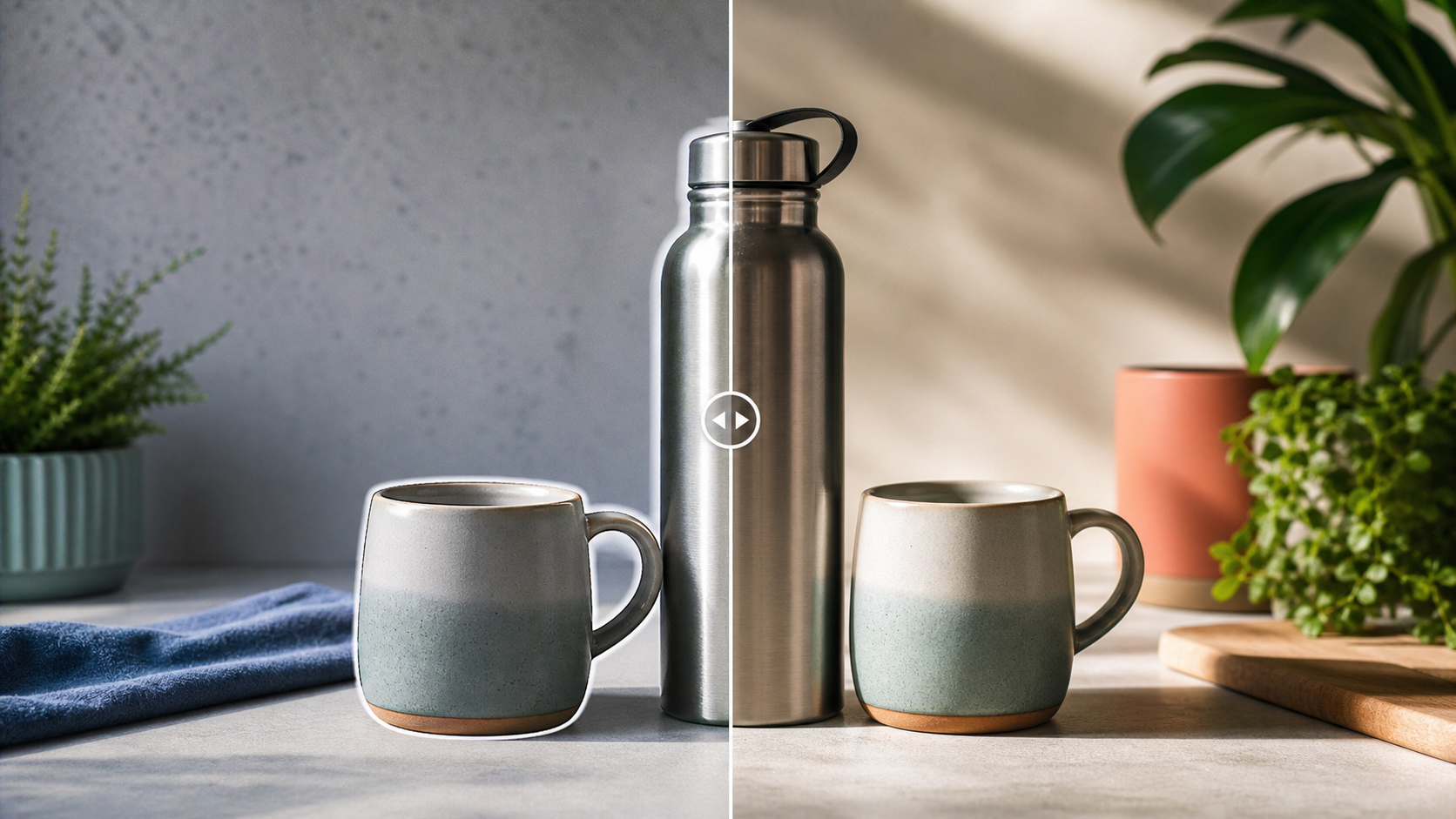
This article targets ecommerce users who need generated product visuals to look trustworthy in listings, ads, and landing pages. It emphasizes material, shadow, background, and batch consistency.
A marketplace listing image that looked staged by software
The product was clear, but the leather highlight was too glossy, the shadow did not anchor the object, and the background had a synthetic wall texture. The improvement path was material repair first, then shadow and crop cleanup.
Material credibility drives product trust
Leather, metal, glass, fabric, and ceramics each reflect light differently. If material detail looks generic, shoppers may read the image as low trust even when the product shape is correct.
Backgrounds should support the product
A generated lifestyle background often distracts with impossible shadows or repeated texture. A cleaner background can make the product feel more real and more premium.
Consistency matters across a catalog
A single good image is useful, but ecommerce workflows need repeatable lighting, crop, and surface quality across many products or variants.
Pre-publishing checklist
- Inspect the product contact shadow.
- Check material detail against the product category.
- Remove distracting background texture.
- Keep crop ratios consistent across listings.
- Preview the result beside other catalog images.
Recommended workflow
- Upload the product or lifestyle image.
- Run Clean for texture, edge, and background repair.
- Use API/MCP when a catalog batch needs the same polish layer.