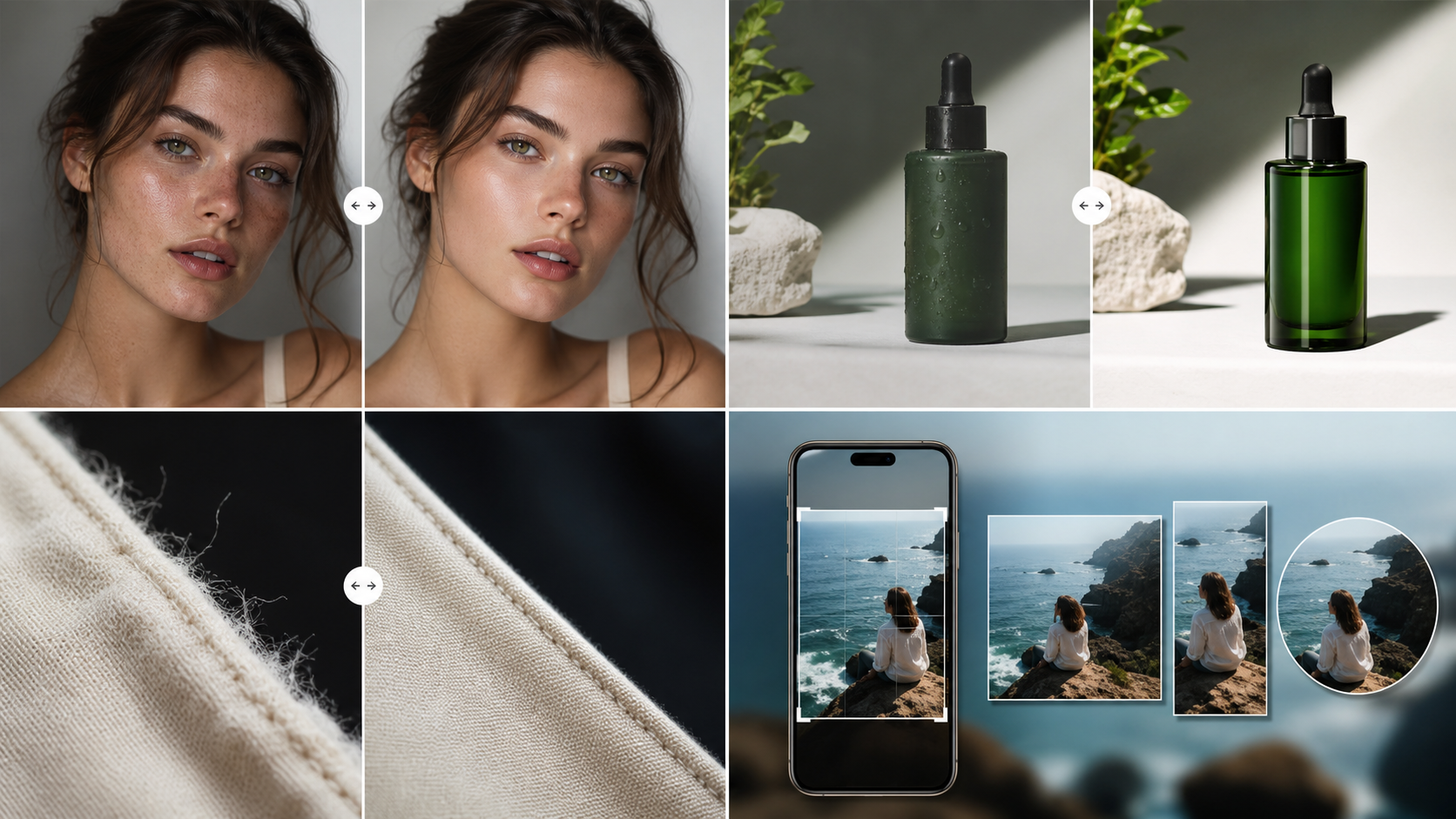
How to Polish AI Images for Social Media
Prepare generated visuals for Instagram, TikTok, Pinterest, X, and newsletters.
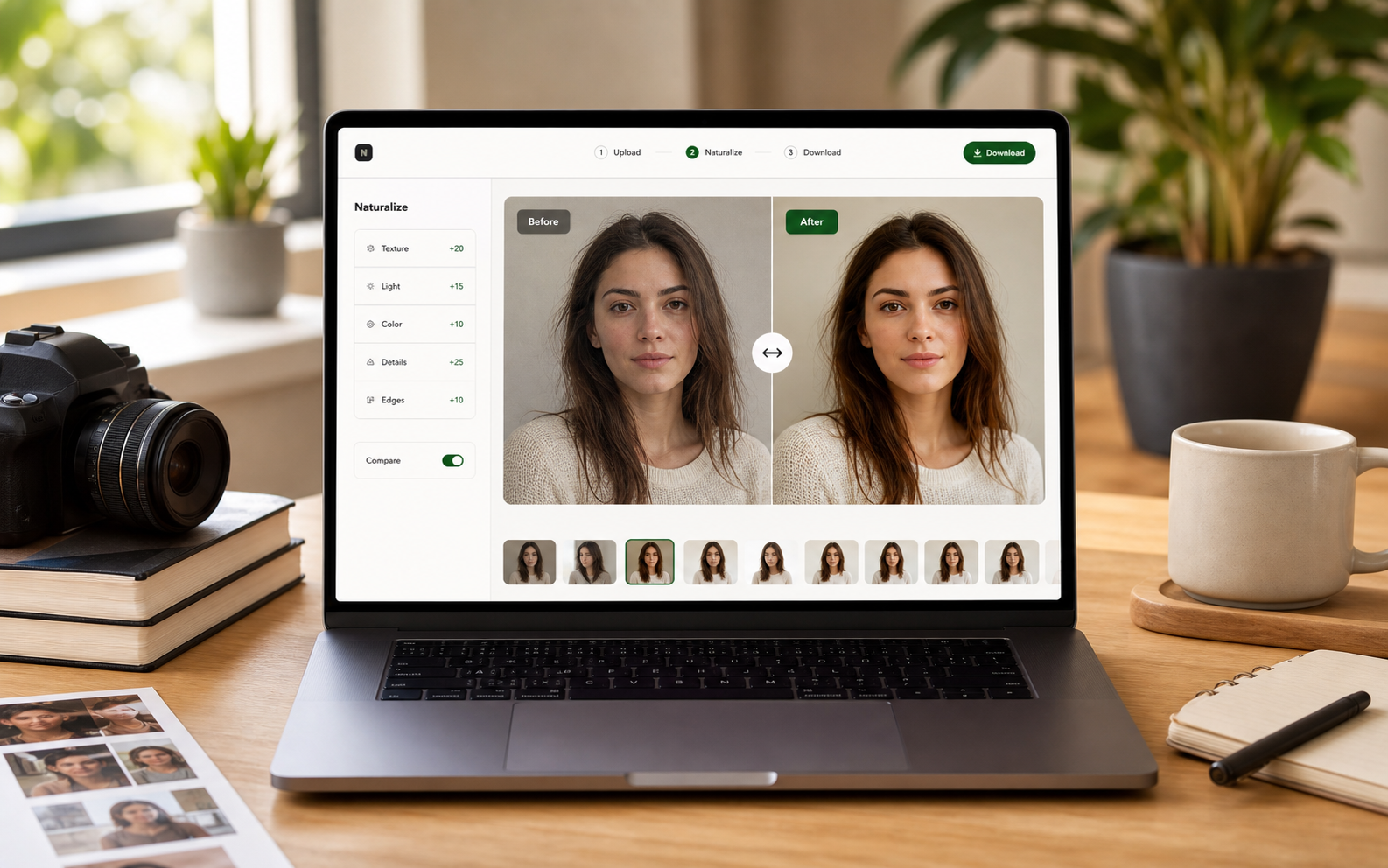
Social media searches are action-oriented: creators need covers, reels thumbnails, pins, and post images that do not scream generated at the first scroll.
A feed post that failed only after cropping
The full image looked fine, but the social crop cut into the subject and emphasized a rough edge near the face. A stronger workflow started from the final crop, then repaired the visible edge and background texture.
Design for the first half-second
Social viewers judge quickly. The image needs a clean subject, believable texture, and a crop that reads clearly before anyone zooms in.
Different platforms expose different flaws
A square post, vertical short-video cover, Pinterest pin, and newsletter hero all crop the same image differently. Review the version you actually plan to publish.
Avoid the over-polished feed look
An image can be too perfect for social. Natural surface detail, realistic light, and modest imperfections often feel more trustworthy than a glossy render.
Pre-publishing checklist
- Set the final platform crop first.
- Check subject edges at thumbnail size.
- Review face or product texture on mobile.
- Avoid over-sharpened background detail.
- Keep multiple posts visually consistent.
Recommended workflow
- Upload the image after choosing the platform crop.
- Run Clean to remove the most visible AI vibe.
- Download and test the thumbnail before posting.